
Top 5 AI for Product Design to Try and Master in 2025
AI for product design is becoming a core part of how modern teams work. As AI continues to shape professional workflows across industries, designers, small business owners, and global companies now rely on intelligent tools to create better, faster, and more innovative products.
By integrating artificial intelligence solutions for modern product design, businesses can streamline processes, reduce guesswork, and bring stronger ideas to market with confidence. Read on to discover which AI tools can support your product design workflow.
Key Takeaways:
- AI for product design supports every stage of development, from brainstorming to prototyping and visual rendering.
- AI reduces workload by automating tasks, improving idea generation, and helping teams detect issues early.
- Modern AI tools let designers explore more variations quickly, refine designs based on real requirements, and create visuals without expensive production.
How AI Transforms Product Design Workflows
AI is now involved in nearly every stage of product development, supporting teams from concept to final output.
In the early brainstorming phase, it can spark fresh ideas that might not surface naturally. Simulation tools then help predict how a product will perform before any prototype is built, allowing teams to identify and fix issues early.
As the technology advances, AI-driven visualization platforms can generate realistic product renderings for marketing, presentations, and client feedback without the need for costly photo shoots.
Additionally, many AI for product design also refine concepts based on materials, budget, and performance requirements, helping teams work faster, reduce revisions, and make more informed decisions.
Also Read: 10 Best AI Agents for Small Businesses to Boost Productivity
Five Essential AI Tools for Modern Product Designers
If you’re interested in using AI to improve prototyping and design efficiency, try these tools that many businesses and companies have already used.
1. Autodesk Fusion 360
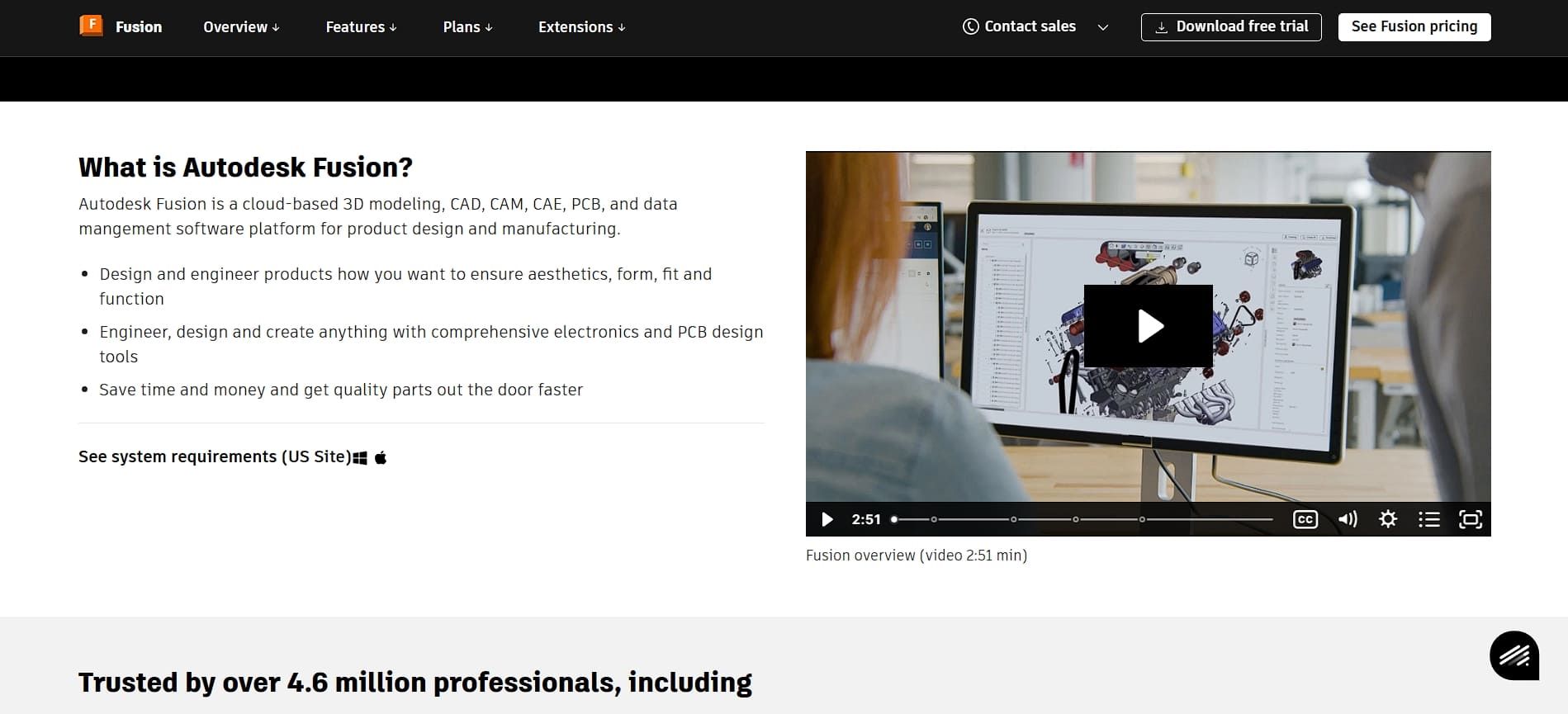
As a leading product design tool, Autodesk Fusion 360 helps engineers generate thousands of optimized design options by setting parameters and using AI to explore solutions.
Its AutoConstrain feature automatically detects geometric constraints with high accuracy, saving time and reducing mistakes. The Automated Drawings tool can also convert 3D models into clean, production-ready 2D documents that highlight only the essential details.
Additionally, the Autodesk Assistant can generate 3D geometry from simple prompts, like “contemporary air fryer,” giving you an instant starting point for your design.
Key features:
- Generative Design algorithms that can explore thousands of optimized design solutions automatically.
- AutoConstrain functionality that automatically derives geometric constraints with guaranteed accuracy.
- Integrated CAD, CAM, CAE, and PCB tools in a unified cloud platform.
2. Midjourney

Midjourney is a powerful tool for generating photorealistic product visuals that support AI for product design workflows. With text-to-image prompts, you can turn simple descriptions into detailed product renders suitable for marketing, presentations, and early concept exploration.
It’s also useful for testing variations, colors, shapes, and packaging ideas in minutes, allowing teams to iterate faster and stay consistent with specific style references.
Key features:
- Text-to-image generation that transforms descriptions into photorealistic product renders.
- Custom style reference uploads to maintain a consistent aesthetic.
- Rapid iteration that helps explore countless design variations quickly.
Also Read: 10 Best AI Avatar Services for Influencer Content (2025 Guide)
3. ChatGPT

Now arguably known as the Swiss knife of AI tools, ChatGPT can help you improve product design by working like a creative brainstorming partner. It can also create detailed user personas that highlight needs and problems, and turn competitor research into useful insights.
With ChatGPT, you can map user journeys to find friction points, prioritize features based on value, and plan workflows with clear timelines so no important step gets missed.
Key features:
- Conversational AI that augments ideation in diverse feature concepts and market gap exploration.
- Persona development functionality that creates detailed customer archetypes to reveal nuanced needs.
- Feature prioritization frameworks that organize customer requests into strategic roadmaps.
4. Figma Make
If you want to know how AI speeds up the product development process, Figma Make embodies all that. With it, you can even input simple prompts like “checkout process from cart to payment to confirmation,” and it generates connected screens with relevant interactions.
Some of Figma Make’s strong points are its smart state generation, which can handle variations for different user paths, and component behavior settings that let you define interactions automatically. Furthermore, with its Dev Mode, you can convert designs into CSS-ready components for faster developer handoff.
Key features:
- Prompt-to-prototype capabilities that enable interactive experiences from simple text descriptions.
- Smart state generation that automatically creates interface variations for different user flows.
- Code generation through Dev Mode that converts designs into CSS-ready components.
Also Read: 6 Best Practices in Marketing Automation for Effective ROI Booster
5. Lummi AI

Lastly, Lummi AI helps speed up design work by generating fast concept variations, layout ideas, and creative prompts that inspire fresh directions. When working, it reads your input and creates multiple versions based on strong design principles, so you can explore new styles without starting from scratch.
The tool works well with most workflows, so you can stay on your current platform while using its suggestions to enhance your ideas and keep full creative control.
Key features:
- AI-driven design iteration that suggests layout modifications and creative prompts to spark new directions.
- Extensive concept variation generation that enables exploration of diverse design directions.
- Seamless workflow integration that prevents tool-switching friction.
Also Read: 10 Recommended Omnichannel Marketing Tools for Businesses
Find and Master the Best AI Tools for Making the Best Product Designs!
Choosing the right AI for product design can streamline workflows, improve accuracy, and give teams more room to innovate. With so many tools now offering automation, simulation, and smart ideation features, designers can move from concept to prototype faster and with fewer revisions.
If you want better visual consistency in your presentations and marketing materials, custom fonts from Eknoji Studio can help! With professional fonts, you can add clarity and personality to UI mockups, pitch decks, and product concepts, reminding us that even with AI assistance, good design still benefits from a human touch.
Comments